
With dynamic tracking implemented on your account, Conversions let you track every action to understand the full story behind each result. In addition to tracking call conversions, you can connect form fills and live chats to your campaigns, capture key field data, and link revenue to what truly drives results - all with no developer coding required.
Mark the actions that matter most to your business as Key Conversions, such as leads, so your reports focus on the performance metrics that count.
To implement this, simply follow the steps below (administrative access is required):
1. Log on to the portal, go to Admin.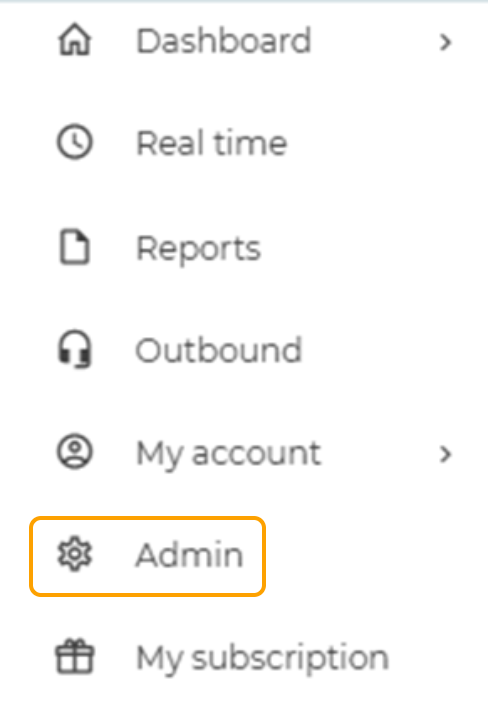
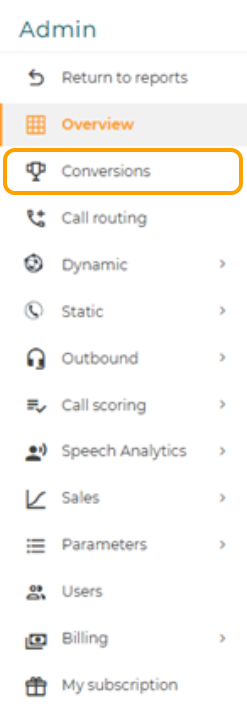
2. Select Conversions.
3. Select the Plus Icon in the top right hand corner.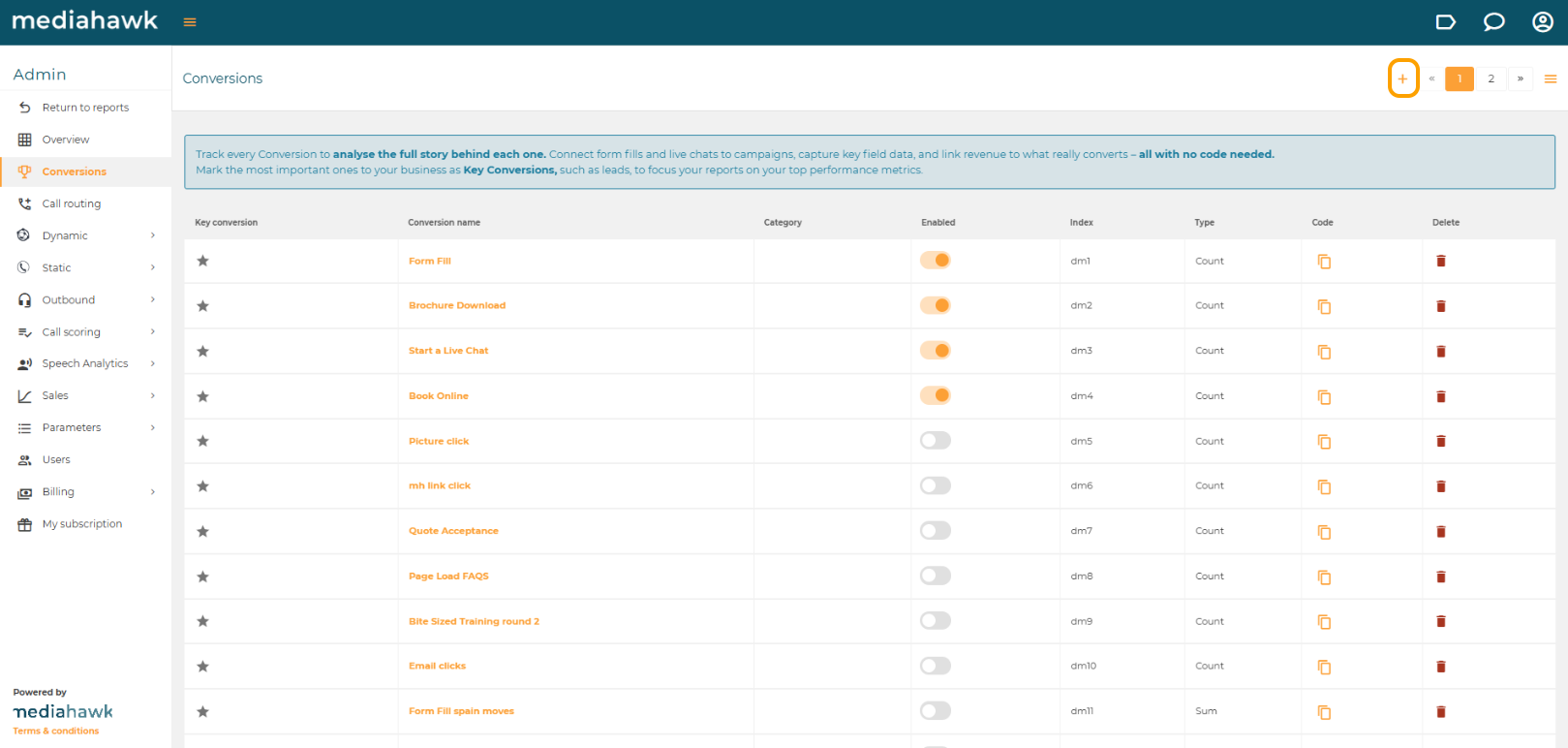
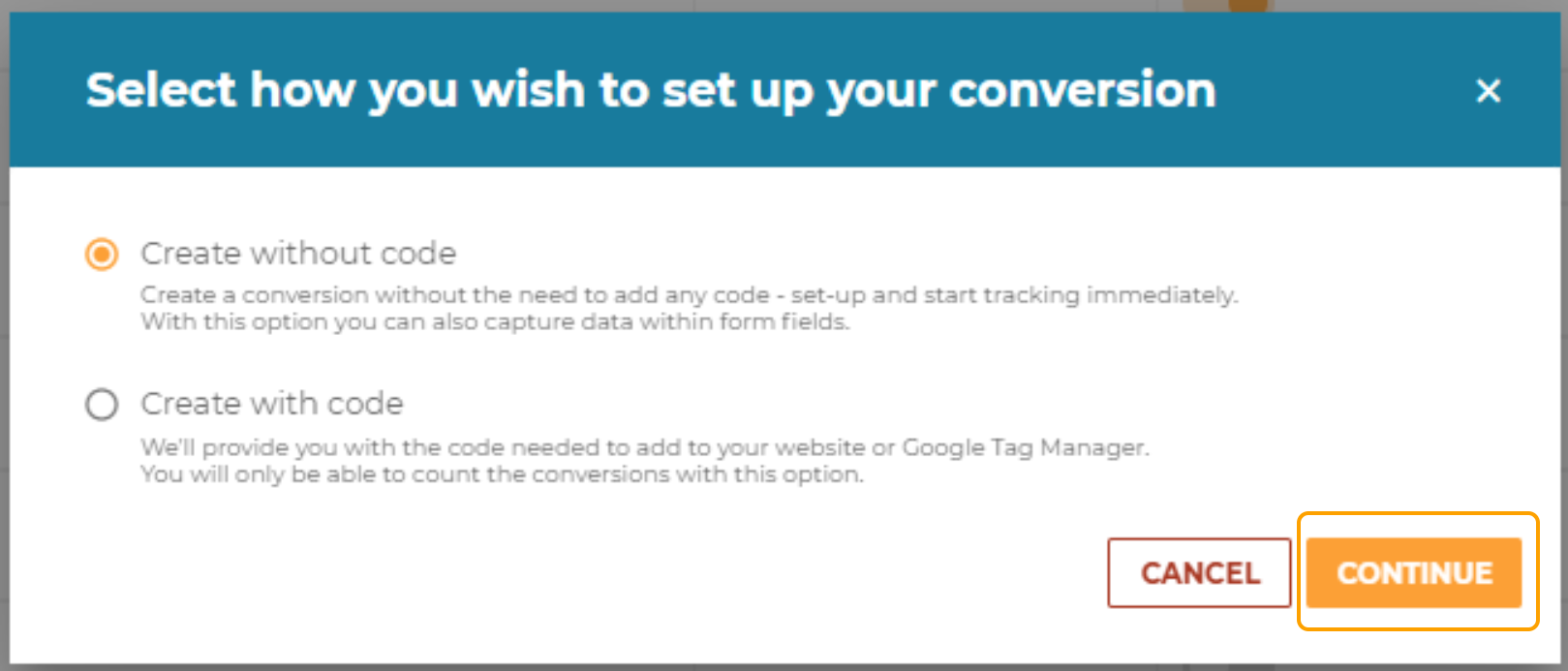
4. You will be provided with two options:
Create without code - This allows you to track the data input within the form fills: Select option > Continue
Create with code - This allows you to count the number of conversions - Please refer to Create Conversion with code to continue this way.
5. To create without code, depending on the type of conversion tracking, please follow one of the respective guides:
How to create a Conversion - Form Fill
How to create a Conversion - Chat